
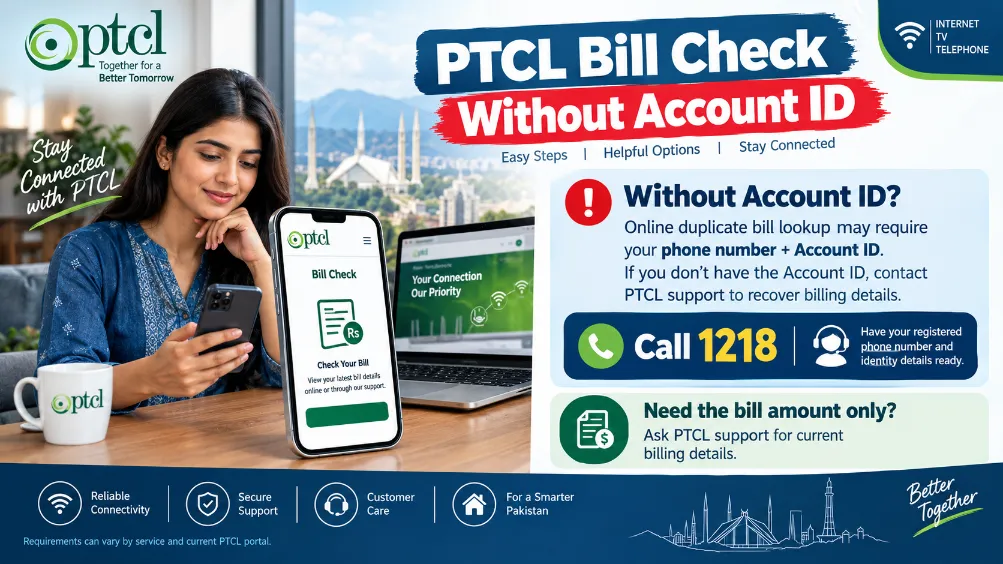
PTCL Bill Check Without Account ID can help customers who need to view their latest PTCL bill but do not have their account ID available. A PTCL number, registered mobile number, or details from an older bill may help access billing information through the available customer service options.
PTCL offers online facilities for bill-related tasks, and the information required can vary according to the connection and service type. Customers should keep their previous bill or connection details nearby before starting the process.
How to Check PTCL Bill Without Account ID
You can try these steps to check your PTCL billing details:
- Open the official PTCL website.
- Go to the bill payment or customer service section.
- Find the bill-checking option.
- Enter the PTCL number or other requested details.
- Submit the information.
- Review the billing details shown on the screen.
- Save the bill information for payment or future use.
An old PTCL bill can make this process easier because it contains several details linked with your connection.
Details You May Need
You may need alternative customer information instead of an account ID. The exact requirement depends on the service and billing facility.
- PTCL landline number
- Area code
- Registered mobile number
- Customer name
- Previous bill information
- Connection details
- Service type
Check an older bill before starting the search. It can help you enter the correct information and reduce the chance of an unsuccessful bill search.
PTCL Bill Check by Landline Number
Your PTCL landline number can help locate billing information. Customers who have misplaced their account ID can check an older bill for their landline number.
Enter the number carefully along with the area code, based on the fields shown on the PTCL billing page. A small mistake in the number can result in an unsuccessful search.
PTCL Bill Check Using Registered Mobile Number
A registered mobile number can also assist with certain PTCL customer services. The mobile number should match the contact information linked with your PTCL connection.
Some services may request verification through an OTP. In such cases, the registered SIM should remain active so that you can receive the verification code.
PTCL Bill Information Available Online
Once your connection has been verified, the billing page may display several details.
| Bill Detail | Information |
|---|---|
| PTCL Number | Landline or service number |
| Billing Month | Billing period |
| Due Date | Payment deadline |
| Current Charges | Charges for the current period |
| Previous Balance | Earlier unpaid amount |
| Total Payable | Amount currently due |
| Payment Status | Paid or unpaid status |
The fields shown on the page can vary according to your PTCL connection and the online service being used.
Can I Check PTCL Bill With No Account ID?
Yes, customers may still be able to access their billing information without manually entering an account ID. The available method depends on the PTCL service and the customer information linked with the connection.
A PTCL number, registered mobile number, or information from an older bill may provide another route to billing details.
What to Do If the PTCL Bill Does Not Appear
Sometimes the bill may not appear after submitting the details. Incorrect information, a temporary website issue, or a mismatch in customer records can cause this problem.
Try the following solutions:
- Recheck your PTCL number.
- Confirm the area code.
- Compare the details with an older bill.
- Verify your registered mobile number.
- Refresh the billing page.
- Try again after some time.
- Contact PTCL customer support for assistance.
Avoid entering random customer numbers. Use information connected with your own PTCL service.
PTCL Bill Payment Without Account ID
After checking your bill, you can use an available payment channel to clear the amount due. The payment service may ask for your PTCL number, bill reference, or another billing detail.
Payment requirements can differ between banks, mobile wallets, and other payment services. Check the instructions shown by the selected payment channel before completing the transaction.
PTCL Bill Check Through Customer Support
PTCL customer support can assist customers who cannot retrieve their bill through the online system. Keep your connection information ready before contacting support.
Useful details may consist of:
- PTCL landline number
- Registered mobile number
- Customer name
- Installation address
- Previous bill
- Recent payment receipt
Accurate information can help the support team locate the correct connection and provide billing assistance.
Benefits of Checking Your PTCL Bill Online
Online bill checking provides a convenient way to view billing information without waiting for a printed bill.
Some useful benefits are:
- Check the amount due before payment.
- View billing details from home.
- Keep a digital record of your bill.
- Check outstanding charges.
- Prepare payment through online channels.
- Reduce reliance on printed bills.
Tips for PTCL Customers
These simple practices can make bill management easier:
- Keep an old PTCL bill for reference.
- Save your PTCL number on your phone.
- Keep the registered mobile number active.
- Check billing details before the due date.
- Use official PTCL customer services.
- Avoid sharing account information with unknown websites.
- Confirm the payment status after completing a transaction.
PTCL Bill Check Without Account ID can still be possible through other connection details, depending on the PTCL billing facility available for your service. A PTCL number, registered mobile number, or previous bill can help you retrieve the information required for checking your current charges.
For a smooth process, keep an older bill available and enter your connection details carefully. Customers who cannot find their bill online can contact PTCL customer support for further assistance.