
Mobile data can disappear surprisingly quickly when watching or downloading online video. A single high-resolution video can consume considerably more data than users expect, especially when a smartphone is configured to stream or download content at the highest available quality.
For users who regularly watch YouTube while traveling, commuting, or using mobile networks, understanding the relationship between video quality, file size, and data consumption can make a significant difference.
The good news is that saving videos for offline use does not always require choosing the highest possible resolution. With a few practical adjustments, users can reduce unnecessary data and storage consumption while keeping an acceptable viewing experience.
Why Video Resolution Affects Data Usage
The most important factor to understand is resolution.
A 360p video contains substantially less visual information than a 1080p or 4K video. Higher resolutions generally require more data to deliver and result in larger files when content is saved for offline viewing.
For example, a user watching a short tutorial on a smartphone may not notice a major difference between moderate and very high resolutions, particularly on a small screen.
On a larger display, however, the difference becomes much more noticeable.
This means the highest resolution is not necessarily the most efficient choice.
Choosing the Right Quality for Your Device
Instead of automatically selecting the maximum available quality, consider where and how the video will be watched.
360p–480p
Lower resolutions can be suitable for basic viewing on smaller smartphone screens.
They are useful when:
- Mobile storage is limited
- The video is mainly for reference
- Visual details are not particularly important
- The user has a limited data allowance
720p
720p often provides a reasonable balance between image quality and file size.
It can be suitable for everyday smartphone viewing, tutorials, interviews, and general educational content.
For many users, this is a practical middle ground when they want reasonable quality without creating unnecessarily large files.
1080p
1080p provides noticeably sharper visuals and can be useful when videos contain small text, detailed demonstrations, or visual instructions.
However, the larger file size means users should be more careful about downloading this quality over mobile networks.
4K and Higher
Ultra-high-resolution video is best reserved for situations where the additional detail actually matters.
Downloading a 4K video for viewing on a small smartphone may consume significantly more storage and data without providing an equally significant improvement in the viewing experience.
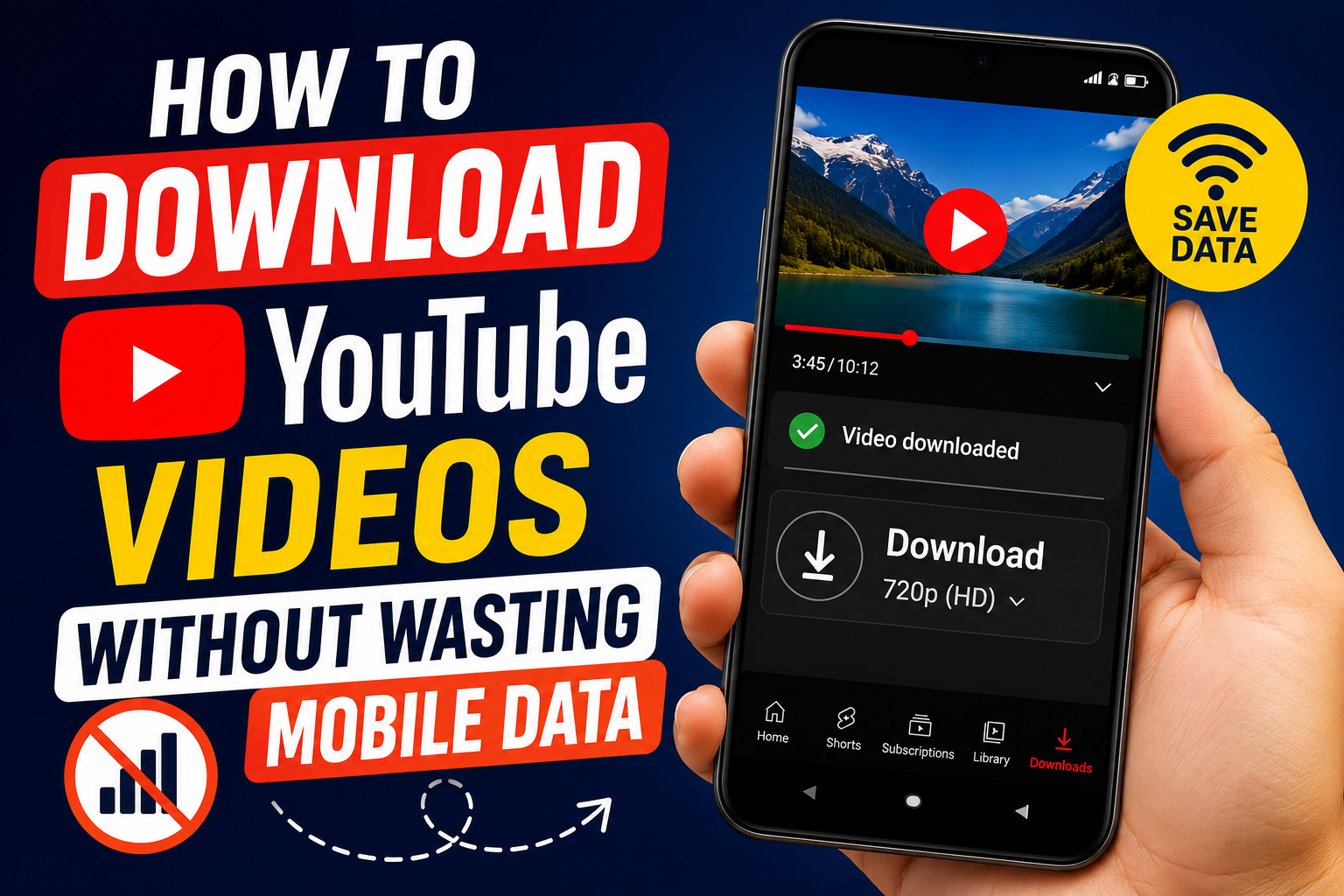
Use Wi-Fi Whenever Possible
One of the simplest ways to avoid unexpected mobile-data consumption is to download large videos while connected to Wi-Fi.
This is particularly important for:
- Long educational videos
- Lectures
- Documentaries
- High-resolution content
- Multiple videos downloaded at once
A home broadband connection or trusted Wi-Fi network is generally more appropriate for large downloads than a limited mobile-data plan.
Users can also plan downloads in advance. Instead of downloading several videos while traveling, they can prepare the content beforehand when a reliable Wi-Fi connection is available.
Think About the Length of the Video
Resolution is only part of the equation.
A five-minute 1080p video and a two-hour 1080p lecture obviously require very different amounts of storage and data.
Before downloading a long video, consider whether the entire recording is actually needed.
For example, if a tutorial contains only a few minutes of useful information, downloading a long recording unnecessarily increases storage requirements.
Being selective can be just as effective as reducing resolution.
Don’t Always Choose the Highest Quality
There is a common assumption that the best download is always the highest-quality version.
For everyday mobile use, this is not necessarily true.
Imagine downloading a video simply to review a cooking recipe while traveling. Extremely high resolution may provide little practical benefit compared with a moderate-quality version.
On the other hand, a software tutorial containing small interface elements may benefit from higher resolution because visual clarity is important.
The right question is therefore not:
“What is the highest quality available?”
Instead, ask:
“What quality is sufficient for the way I will use this video?”
Consider Storage as Well as Mobile Data
Reducing data usage has another benefit: it helps control device storage.
Large video files can quickly consume available space, particularly on smartphones with limited storage capacity.
A simple system can help:
- Use moderate quality for ordinary videos
- Reserve higher resolutions for content that requires visual detail
- Delete videos after they are no longer needed
- Avoid keeping multiple versions of the same video
- Review downloaded files periodically
This approach prevents offline content from becoming another source of storage problems.
When an Online Downloader Can Be Useful
For users who occasionally need offline access, a browser-based service can be more convenient than installing a dedicated application.
A user can access an online tool when needed rather than keeping another app on the device permanently.
When choosing a service to Download YouTube Video for Free, users should still pay attention to the available quality options, device compatibility, interface, and privacy practices.
It is also important to remember that technical availability does not automatically mean every video can legally be downloaded. Users should respect copyright, creator rights, and applicable platform rules.
A Simple Data-Saving Workflow
For most users, an efficient approach can be summarized in a few steps:
- Decide whether offline access is actually necessary.
If you will only watch the video once while connected to Wi-Fi, downloading it may not provide much benefit.
- Check the video’s length.
Long videos require considerably more storage than short clips.
- Choose an appropriate resolution.
Do not automatically select the highest option.
- Prefer Wi-Fi for larger downloads.
Especially when downloading multiple videos or high-resolution content.
- Remove unnecessary files later.
Offline storage should remain useful rather than becoming a collection of forgotten videos.
Final Thoughts
Saving YouTube videos does not have to mean consuming large amounts of mobile data.
The key is understanding the relationship between resolution, video length, file size, and actual viewing requirements. A moderate-quality file can often be perfectly adequate on a smartphone, while higher resolutions should be reserved for content where additional detail genuinely matters.
By downloading over Wi-Fi, choosing sensible quality settings, and managing stored files regularly, users can make offline viewing more efficient while avoiding unnecessary mobile-data and storage consumption.
The smartest approach is not to download everything at the highest quality. It is to download only what is useful, at a quality that matches the way it will actually be watched.